OTA means software delivered wirelessly
OTA stands for over the air. In a car, it describes software sent through a wireless connection rather than installed only during a workshop visit. Depending on the manufacturer and vehicle, a download may use Wi-Fi, the car’s mobile data connection or a companion app. Installation normally requires the vehicle to be parked and placed in a condition defined by the manufacturer.
The concept is familiar from phones and computers, but a vehicle contains many control modules and safety-related systems. An OTA notification does not mean that every part of the car can be repaired remotely. Tyres, suspension parts, cables, sensors with physical damage and other hardware still require inspection or replacement.
What an update can change
An OTA package can update infotainment, navigation, Bluetooth compatibility, the instrument display, connected services or electronic modules. Manufacturers can use the process to correct bugs, change the behaviour of an existing feature and improve compatibility with networks or devices.
Tesla says its vehicles receive OTA updates that add features and improve existing functions. BMW describes Remote Software Upgrade as a wireless method available on compatible vehicles through a dedicated menu. Those examples explain the principle, but the available functions depend on the model, production year, hardware, market and equipment level.
On an electric vehicle, software can manage charging schedules, communication with a charger, range calculations and some efficiency strategies. It cannot physically add battery cells or change the rating of a charging cable. It can alter control logic only within the limits of the vehicle’s hardware, software approval and safety requirements.
An update may therefore make a system behave differently without changing the underlying components. A revised battery-management strategy may alter how information is displayed, while a new navigation package may change route calculation. Those changes should not automatically be described as a new mechanical capability or a measured improvement.
Downloading and installing the package
The process usually has two stages. The car first downloads the software package. That stage may require Wi-Fi and can sometimes continue while the vehicle is being used. Installation follows later, and the car may be unavailable for a period while the software is written to its modules.
Tesla documents the distinction between downloading and installing. Its support material says owners can receive a notification on the centre display or in the mobile app, and may schedule an installation. The company also notes that charging stops during an installation and resumes afterwards. The exact sequence is manufacturer-specific; owners should follow their own manual rather than a guide for another brand.
The car should not be switched off, disconnected from its battery or driven during installation unless the official instructions say otherwise. If a package fails, the vehicle may need a recovery procedure at a service centre. Wireless delivery reduces some workshop visits, but it does not remove the need for technical support when an installation is interrupted.
OTA does not replace every repair
Software cannot repair a worn brake disc, a damaged tyre, a failed bearing, a broken wire or a cracked camera lens. It may identify a fault or change how a warning is displayed, but it cannot restore a physically damaged component.
Safety recalls require particular care. NHTSA explains that some recall remedies can be delivered through OTA software, but a recall can also require a dealer visit, a part replacement or a separate inspection. One NHTSA document describes an affected vehicle campaign where a software update could be available over the air, while the official campaign process and vehicle identification remained essential.
Owners should not assume that a normal software notification replaces a recall notice. A recall has an identification number, affected vehicle information and a defined remedy. The owner should use the manufacturer’s VIN tool or the relevant official authority’s database. If the vehicle has a safety warning, the owner should follow the interim instructions instead of waiting for an unrelated update.
Why manufacturers use wireless remedies
OTA allows a manufacturer to distribute a validated software version to many compatible vehicles without scheduling every owner at a workshop. NHTSA describes OTA as a way to deliver software for safety, performance and feature improvements. The practical speed still depends on testing, compatibility, network access and regulatory requirements.
Remote delivery does not remove the manufacturer’s responsibility for the update. Before installation, the system must identify the vehicle, software version and conditions required for a safe procedure. A package intended for a different vehicle must not be installed manually. Modern vehicles can be affected beyond the infotainment screen if a control module is written incorrectly or the process is interrupted.
Some functions may also depend on a subscription, an equipment option, a region or an approval. A connected car is not automatically entitled to every feature released by the brand. Owners should read the description of the update and check whether it changes a service contract or introduces a paid function.
Data and cybersecurity
To deliver an update, the car communicates with the manufacturer’s servers. The process can involve the vehicle identification, software version, installation status and diagnostic information. Each manufacturer has its own data policy, so owners should check the connected-services settings and privacy documents.
OTA is also part of cybersecurity maintenance. Older software may contain vulnerabilities or lose compatibility with external services. The update channel itself must be protected against tampering and unauthorised access. Owners should not install files from an unknown website or connect a device that claims to provide an official update without verification.
Account passwords, authentication codes and app access should remain private. A message asking for payment to activate a supposedly urgent update should be checked through the official application or customer service. The correct source is the vehicle’s own interface, the manufacturer’s website or an authorised dealer.
What owners should do
Before installation, park safely and meet the fuel, battery, door and parking requirements listed by the manufacturer. Use a stable Wi-Fi connection where necessary and make sure the companion app is current. The vehicle should not be needed during the estimated installation window.
During the update, do not drive or interrupt the electrical supply. Afterward, check the software version, charging settings, connectivity and warning messages. An update may reset a preference or change the location of a menu, even when the vehicle’s mechanical behaviour remains the same.
If the installation fails or a warning appears, record the message and contact the official service channel. Repeatedly restarting the vehicle without instructions can make diagnosis harder. If the update is linked to a safety campaign, check the VIN separately and follow the campaign guidance.
The practical boundary
OTA is a delivery method, not a promise that every repair can happen remotely. It can correct software errors, add functions and deliver some safety remedies without a workshop appointment. It cannot replace a mechanical repair, a physical inspection or every recall procedure.
For owners, the safe rule is simple: install only packages delivered through official channels, keep the vehicle parked during installation and treat recall notices separately from ordinary feature updates. The technology can reduce workshop time, but it does not remove the manufacturer’s obligations, the owner’s responsibility to follow instructions or the need for professional service when the problem is hardware.
Sources
- NHTSA — OTA technology information
- NHTSA — recall lookup
- Tesla Support — software updates
- BMW — Remote Software Upgrade
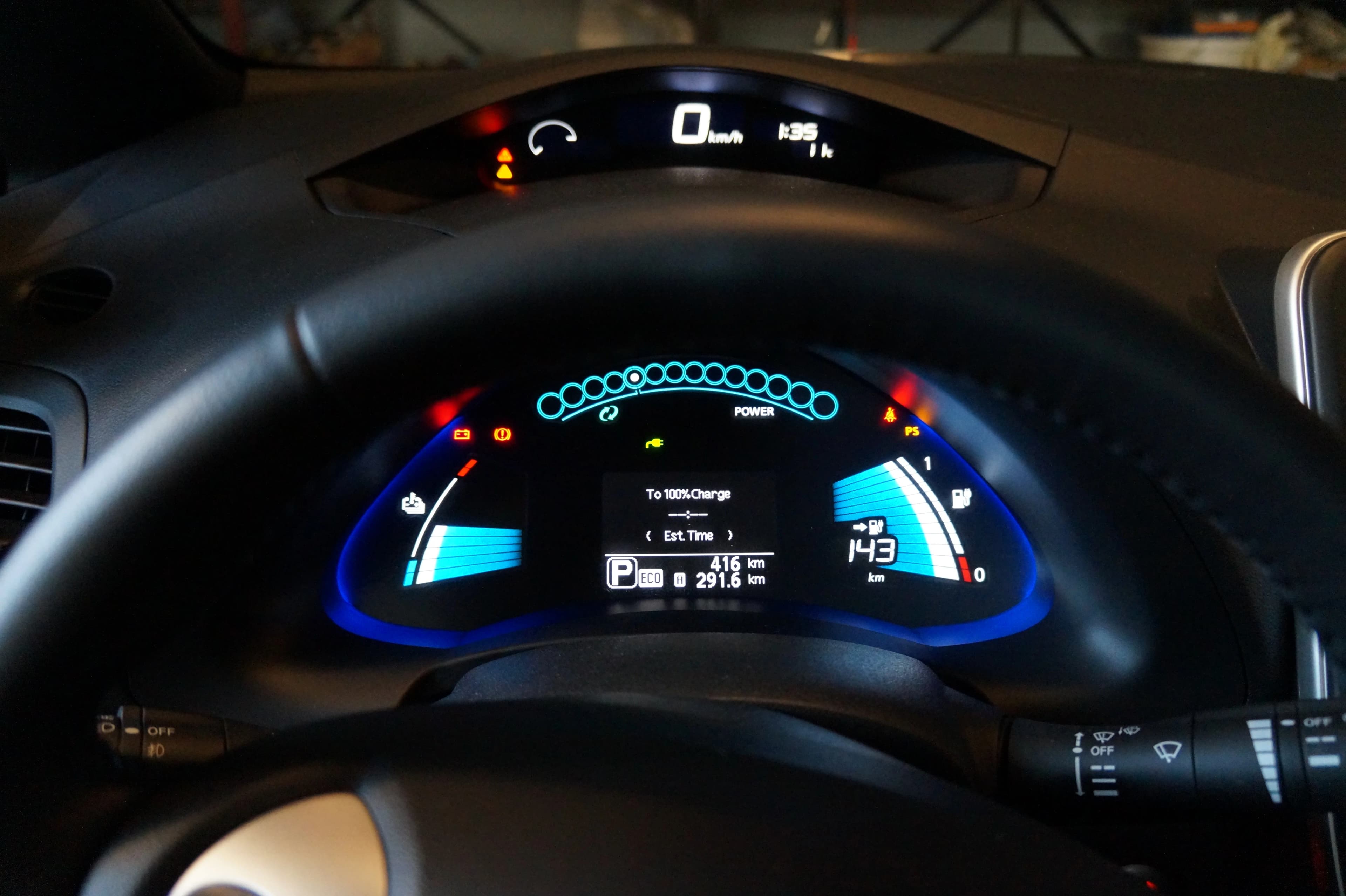
- Wikimedia Commons — 2013 Nissan Leaf dashboard, public domain
Image: Nissan Leaf dashboard photographed by Mariordo (Mario Roberto Durán Ortiz), released into the public domain. Local WebP asset: /resources/blog/car-ota-software-updates-2026.webp.